
Cyberattacks and password breaches are on the rise in 2026, putting everyone’s digital identity at risk. With hackers using smarter tools, the need for strong online security has never been greater.
A password manager is now essential for protecting your sensitive accounts and information. These tools generate, store, and autofill complex passwords, making it easier to stay secure without remembering dozens of logins.
Choosing the right password manager can bring peace of mind, convenience, and protection against evolving threats. In this post, we highlight seven must-try password manager tools for 2026, each offering unique features tailored to different needs.
Ready to secure your digital life? Explore our top recommendations and find the perfect fit for your online safety.
Why You Need a Password Manager in 2026
Managing digital security is more challenging than ever. Every new social media profile, banking app, or streaming service adds to the mountain of credentials you need to protect. Most people now juggle dozens, if not hundreds, of online accounts, making it nearly impossible to remember a unique and complex password for each one. This is where a password manager becomes not just helpful, but essential.
The Scale of the Password Problem
The statistics are alarming. In 2025, credential theft surged by 160 percent, and weak passwords like “123456” remain among the most commonly used worldwide. Phishing attacks are also on the rise, tricking users into handing over sensitive information. According to Credential theft surged 160% in 2025, password-related breaches are affecting individuals and organizations at unprecedented rates. These attacks highlight how vulnerable we are when we rely on memory or reuse passwords.
Risks of Outdated Password Habits
Using your browser to store passwords or recycling the same login details across platforms might seem convenient, but these habits open doors for cybercriminals. Browser-based storage lacks advanced security features and is often targeted by malware. When one account is compromised, attackers can easily access others, leading to identity theft or financial loss. This is why adopting a password manager is critical for anyone serious about online safety.
Evolving Threats Demand Stronger Defenses
Cyber threats are evolving rapidly. Credential stuffing attacks use stolen data to break into multiple accounts, while AI-driven hacks can crack weak passwords in seconds. Social engineering tactics are becoming more sophisticated, targeting both individuals and businesses. These realities make traditional password habits obsolete. A password manager stands out as the best defense, offering robust protection against these modern threats.
How Password Managers Protect and Empower You
A password manager uses zero-knowledge encryption and secure vaults to keep your credentials safe. Only you have access to your master password, ensuring even the service provider cannot view your data. These tools offer features like:
- Automatic strong password generation
- One-click autofill for logins
- Cross-device synchronization
- Secure sharing and emergency access
This combination of security and convenience means you can manage complex, unique passwords for every account without stress.
Regulatory Trends and Real-World Impacts
With regulations like GDPR and CCPA tightening, strong password practices are no longer optional. Recent high-profile breaches in 2024 and 2025 have resulted in severe financial and reputational damage for both individuals and businesses. Adopting a password manager not only keeps you compliant but also shields you from the most common causes of cyber incidents.
Password Manager Benefits at a Glance
|
Feature |
Benefit |
|---|---|
| Zero-knowledge encryption | Maximum privacy and control |
| Password generation | >Unique, strong passwords for every account |
|
Autofill and sync |
Convenience across all devices |
|
Breach monitoring |
Early warning of exposed credentials |
|
Secure sharing |
Safe collaboration for families and teams |
In 2026, the risks of poor password management are simply too great to ignore. A password manager is your best ally in the fight for digital security and peace of mind.
How to Choose the Best Password Manager for Your Needs
Selecting the best password manager in 2026 is more than just picking an app—it is about safeguarding your digital identity. With so many options available, the decision can feel overwhelming. Clear criteria help ensure you choose a solution that truly meets your needs.
Security and Encryption
Security is the cornerstone of any password manager. Look for tools that implement advanced encryption standards like AES-256, along with robust security protocols. A zero-knowledge architecture ensures that only you can access your data, even the provider cannot see your vault. For a deeper understanding of this crucial feature, see the Zero-Knowledge Encryption Benefits.
A trustworthy password manager should also offer regular security audits and transparent security practices. This gives peace of mind that your sensitive information is in safe hands.
Compatibility and Usability
Cross-platform compatibility is a must for a modern password manager. Make sure your chosen tool works seamlessly on Windows, macOS, Android, iOS, and across browsers. A well-designed interface makes it easy to organize, retrieve, and autofill passwords.
Essential usability features include password generation, secure password sharing, and emergency access. The best password manager will sync your data across all devices, so you are never locked out when you need access most.
Pricing and Plans
Consider your budget and the value each password manager provides. Free plans often have basic features, while premium tiers unlock advanced options like family sharing or business integrations. Compare annual costs, available trials, and any hidden fees.
Many password manager tools offer flexible plans for individuals, families, and businesses. Review what is included in each tier to ensure it matches your usage scenario.
|
Plan Type |
Features |
Best For |
|---|---|---|
|
Free |
Basic storage |
Individuals |
|
Premium |
Advanced tools |
Power users |
|
Family/Team |
Sharing, admin |
Families, SMBs |
Unique Features
Advanced features can set a password manager apart. Look for passkey support for passwordless logins, dark web monitoring for breach alerts, secure notes, and biometric authentication. Some solutions even integrate with other security tools for streamlined protection.
Evaluate which features truly align with your daily workflow. For example, dark web monitoring may be critical if you manage sensitive data, while biometric logins add convenience and speed.
Support and Reputation
Reliable customer support and a strong company reputation are essential when choosing a password manager. Check for 24/7 assistance, helpful documentation, and an active user community.
Research user reviews for insights into real-world experiences. Established companies with a history of timely updates and transparent communication are generally safer bets.
Real-World Examples
Recent surveys show that users often choose a password manager based on a balance of security, usability, and cost. Families value seamless sharing, while businesses prioritize advanced encryption and centralized admin controls.
By weighing these criteria, you can find the password manager that best fits your unique needs.
7 Must-Try Password Manager Tools for 2026
Choosing the right password manager is one of the most important steps you can take for your digital security in 2026. With the growing complexity of online threats and the sheer number of accounts we manage, having a reliable solution is essential. According to Password manager usage statistics 2024, more individuals and businesses are turning to password manager tools for robust, convenient protection. Let’s explore seven standout options, each offering unique strengths for different needs.
Bitwarden
Bitwarden continues to lead as an open-source password manager, trusted by both individuals and organizations. Its transparent codebase and strong end-to-end encryption ensure that only you can access your sensitive data. Bitwarden is available on all platforms, supporting Windows, macOS, Linux, Android, iOS, and browser extensions.
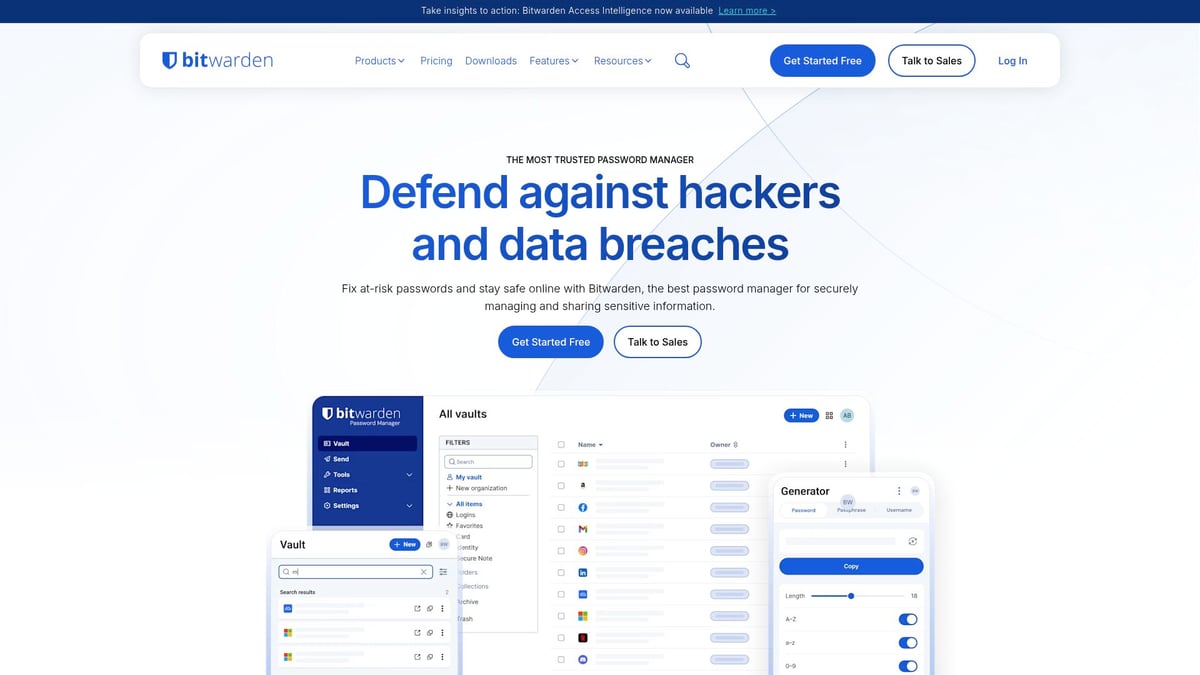
Pricing: Free basic plan with robust functionality, and a Premium option at just $10 per year.
Core Features:
- Open-source architecture for transparency
- End-to-end zero-knowledge encryption
- Cross-device sync and cloud or self-hosting options
- Passkey support for passwordless logins
Key Benefits:
Bitwarden is ideal for users who prioritize open-source solutions and value privacy. The self-hosting option appeals to tech-savvy users who want total control over their password manager environment.
Pros:
- Strong security protocols
- Generous free tier
- Transparent development
Cons:
- User interface is less polished compared to some competitors
Example:
Bitwarden’s adoption has surged among privacy advocates and small businesses seeking affordable, customizable password manager solutions.
1Password
1Password is a premium password manager that offers a balance of advanced security and user-friendly design. Its zero-knowledge architecture ensures only you can access your data, and features like Travel Mode provide added protection when crossing borders.
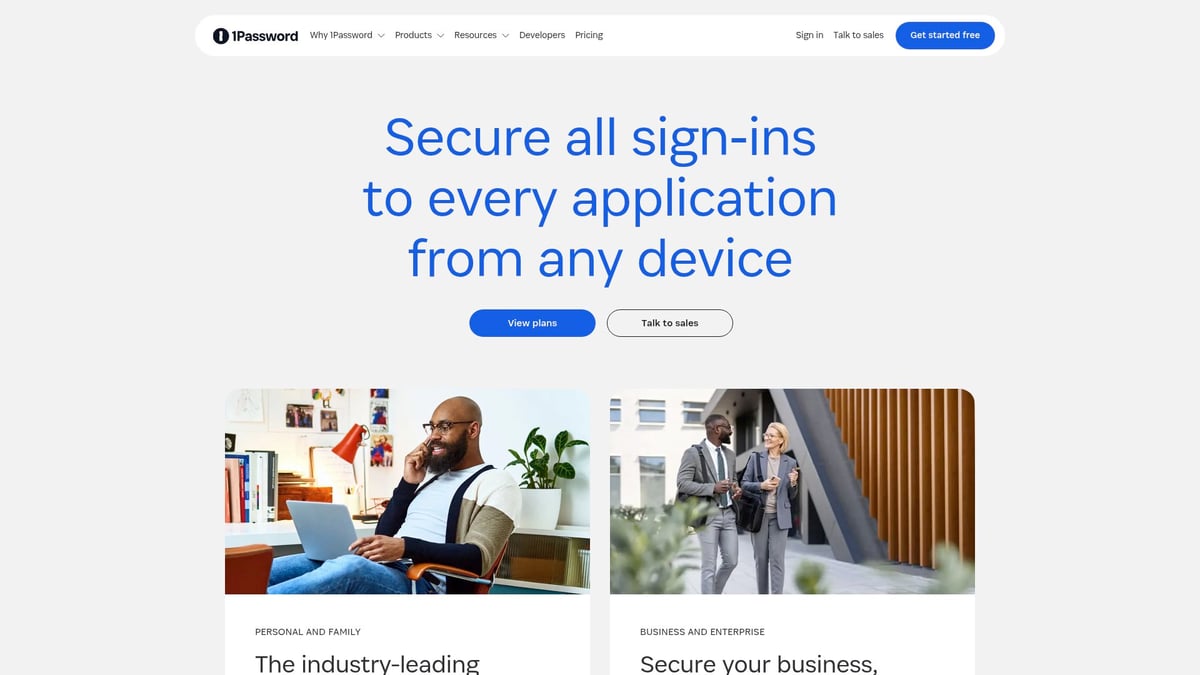
Pricing: Individual plans at $36 per year, with family and team options available.
Core Features:
- Zero-knowledge encryption
- Travel Mode for secure travel
- Watchtower security alerts
- Passkey management
Key Benefits:
1Password is perfect for families, professionals, and frequent travelers who need a password manager that adapts to various needs. Its intuitive interface ensures ease of use across all devices.
Pros:
- Exceptional cross-platform support
- Advanced sharing and emergency access
- Travel Mode for enhanced protection
Cons:
- No free plan
- Higher price point than some alternatives
Example:
Leading tech companies rely on 1Password as their primary password manager, citing its robust security and seamless team collaboration features.
Proton Pass
Proton Pass brings a privacy-first approach to the password manager market. Developed by the team behind Proton Mail and Proton VPN, it integrates seamlessly with the wider Proton ecosystem.
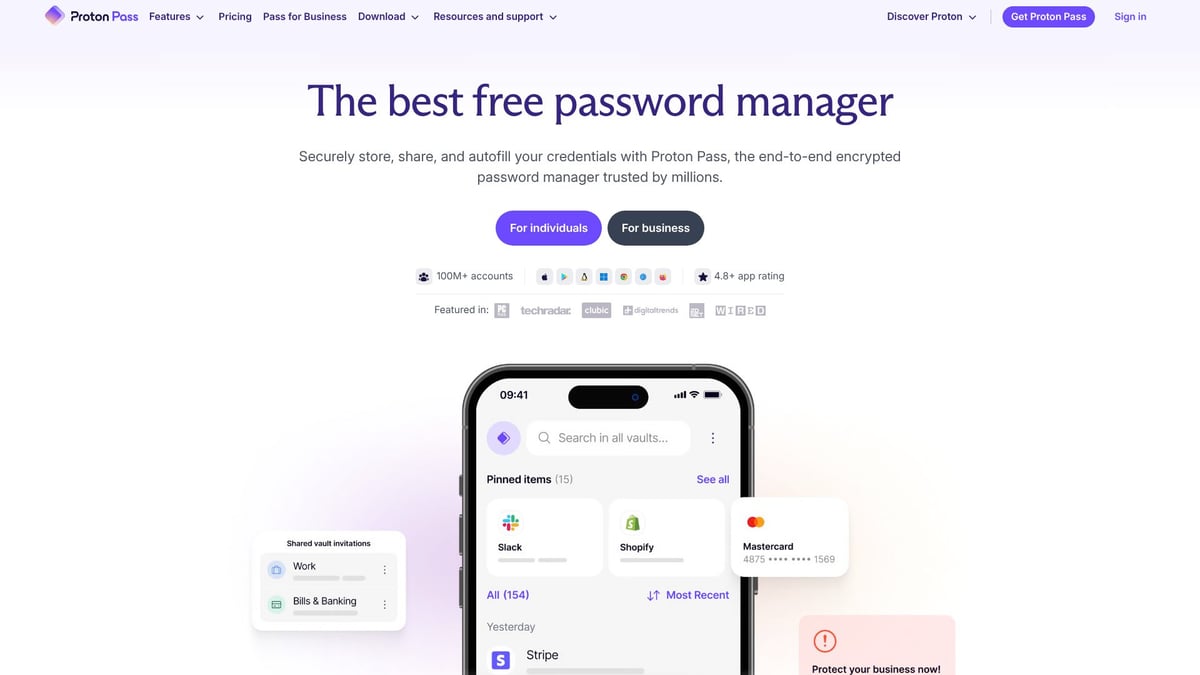
Pricing: Free plan available; Premium starts at $4 per month.
Core Features:
- End-to-end encrypted vault
- Open-source codebase
- Phishing protection
- Integration with Proton Mail and VPN
Key Benefits:
Proton Pass is designed for users who value privacy above all, making it an appealing choice for those already invested in the Proton suite. Its phishing protection helps defend against evolving threats.
Pros:
- Strong privacy and encryption
- Free plan with essential features
- Open-source transparency
Cons:
- Fewer third-party integrations
- Relatively new, so some features are still developing
Example:
Since its launch, Proton Pass has experienced rapid growth, with privacy-focused users praising it as a reliable password manager for sensitive data.
Dashlane
Dashlane offers an all-in-one password manager solution, combining password management with additional security tools. Its user-friendly dashboard simplifies password health monitoring and breach detection.
Pricing: Free limited plan; Premium at $60 per year.
Core Features:
- Password health reports
- Integrated VPN service
- Dark web monitoring
- Passkey support and autofill
Key Benefits:
Dashlane is ideal for individuals and families seeking comprehensive protection, not just a simple password manager. The dark web monitoring and VPN add layers of security.
Pros:
- Integrated security suite
- Easy-to-use dashboard
- Real-time breach alerts
Cons:
- Higher price for premium features
- Free plan is limited in functionality
Example:
Many users choose Dashlane as their primary password manager to benefit from its extra security features beyond basic password storage.
Keeper
Keeper stands out as a robust password manager, especially for teams and businesses needing secure sharing and collaboration. Its encrypted file storage and advanced breach monitoring help keep sensitive information safe.
Pricing: Free trial; Premium $34.99/year; business and family plans available.
Core Features:
- Secure password sharing
- Biometric logins (fingerprint, Face ID)
- Encrypted file storage
- Breach monitoring tools
Key Benefits:
Keeper is tailored for organizations and users who require advanced sharing capabilities in a password manager. Its business integrations are a major draw for enterprises.
Pros:
- Excellent sharing features
- Comprehensive security controls
- Strong business support
Cons:
- No ongoing free plan
- Interface can be complex for new users
Example:
Keeper is widely adopted in enterprise environments as a preferred password manager for managing credentials and sensitive files securely.
NordPass
NordPass, developed by the creators of NordVPN, delivers a reliable and affordable password manager experience. Its seamless integration with other Nord products appeals to users seeking a unified security platform.
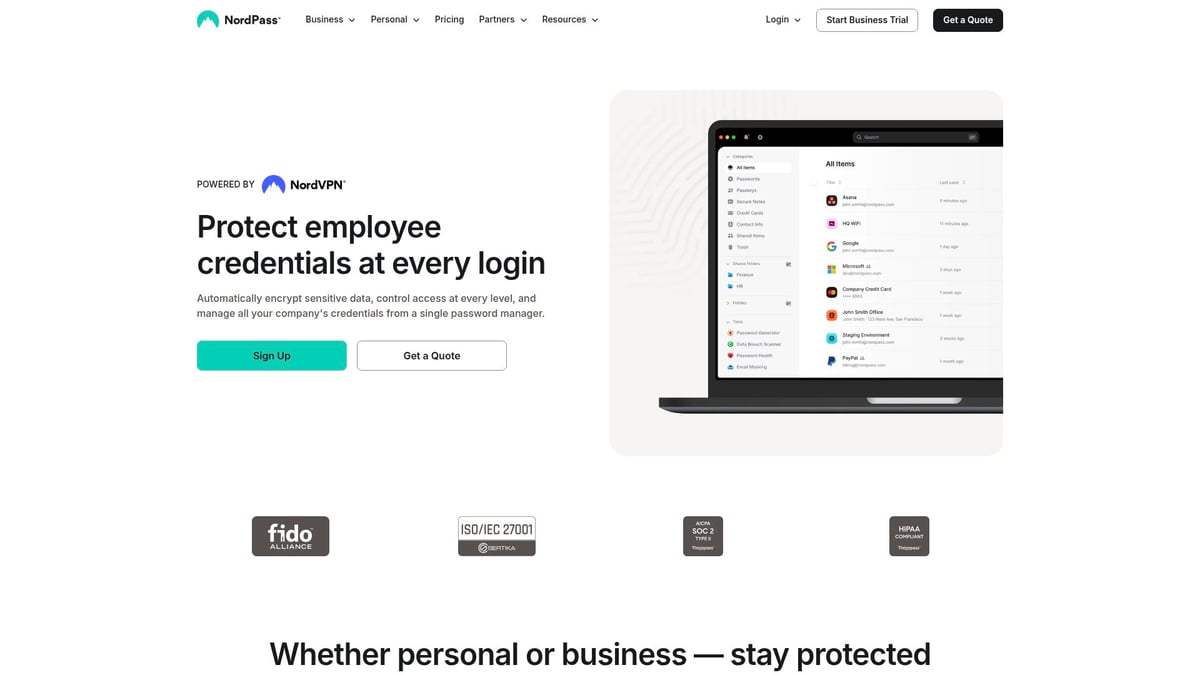
Pricing: Free basic plan; Premium $23.88/year.
Core Features:
- Zero-knowledge encryption
- Passkey support
- Password health and data breach scanner
- Cross-device sync
Key Benefits:
NordPass is a great choice for users who already use NordVPN or want an easy-to-use password manager with strong security at a budget-friendly price.
Pros:
- Affordable premium option
- Strong encryption
- Easy import/export tools
Cons:
- Fewer advanced features compared to some rivals
- Newer product, still building its user base
Example:
NordPass is quickly gaining popularity among VPN users who want a single password manager to secure all their credentials with minimal hassle.
Google Password Manager
Google Password Manager is a free, built-in solution for users deeply integrated into the Google ecosystem. Accessible via Chrome and Android, it offers a convenient way to manage passwords across devices.
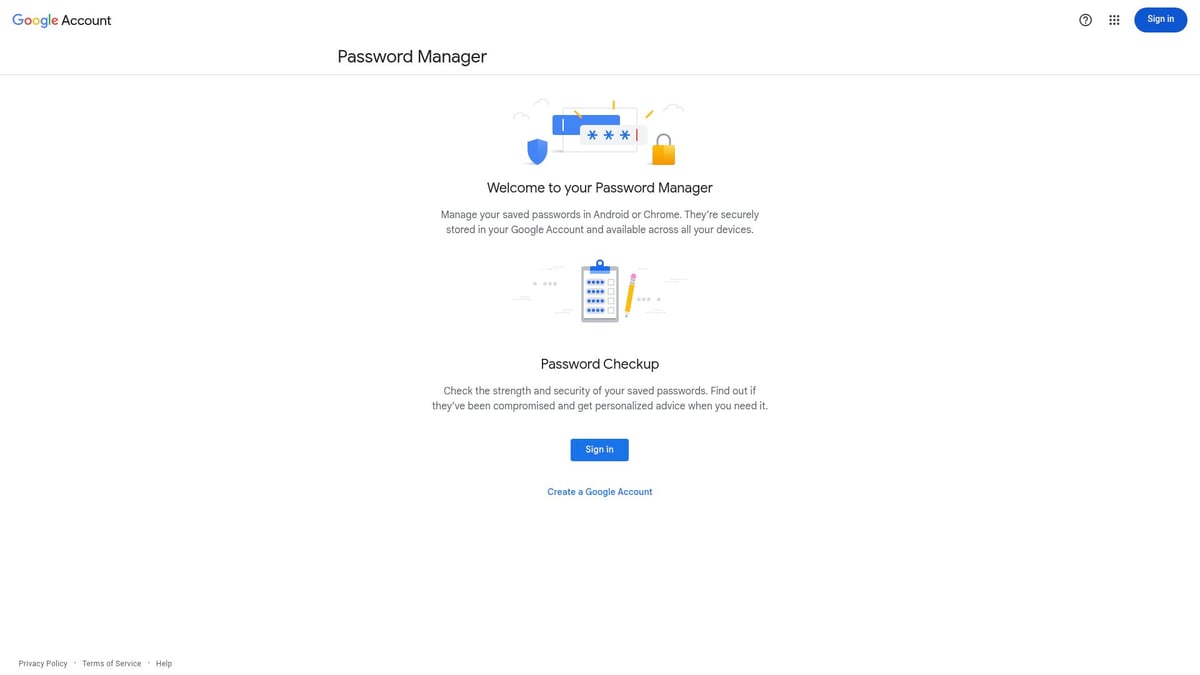
Pricing: Free with any Google account.
Core Features:
- Cross-device sync via Chrome and Android
- Password checkup and breach alerts
- Autofill for web and apps
Key Benefits:
For those who want a simple password manager without extra costs or setup, Google’s built-in tool is hard to beat. It enables effortless management for Google-centric workflows.
Pros:
- Completely free
- Seamless integration with Google services
- Easy setup and use
Cons:
- Lacks advanced features found in dedicated tools
- Centralizes sensitive data within Google
Example:
Millions rely on Google Password Manager as their everyday password manager, enjoying its simplicity and convenience for personal and professional accounts.
Emerging Trends in Password Management for 2026
The landscape of password manager technology is rapidly evolving in 2026. As cyber threats become more sophisticated, new trends are emerging to keep digital identities secure. Let us explore the most significant changes shaping the future of password manager solutions.
The Shift Toward Passwordless Authentication
One of the most transformative trends is the move toward passwordless authentication. Passkeys, which use cryptographic credentials stored on devices, are gaining traction as a secure alternative to traditional passwords. Biometric logins, such as fingerprint and facial recognition, are also becoming standard features in many password manager tools.
This shift is largely driven by the FIDO2 standard, enabling seamless and secure device-bound authentication. Major platforms are rolling out passkey support, reducing reliance on weak or reused passwords. As adoption grows, password manager apps are integrating these technologies to offer users a frictionless and highly secure login experience.
AI and Real-Time Security Enhancements
Artificial intelligence is revolutionizing the way password manager services detect and respond to threats. Advanced AI algorithms now analyze password health, flag suspicious activities, and provide proactive security recommendations. Real-time alerts for compromised credentials are becoming more precise, empowering users to act quickly.
Dark web monitoring is another key feature on the rise, with password manager apps scanning for leaked credentials and notifying users instantly. These enhancements are critical as cybercriminals use AI-driven attacks and automated credential stuffing. The integration of intelligent monitoring tools offers a new level of defense for both individuals and organizations.
Privacy, Sharing, and Compliance in 2026
Privacy and data protection are at the forefront of password manager development. Open-source solutions are gaining popularity, offering transparency and allowing users to verify security protocols. Family and business sharing features are evolving, making it easier to manage access across multiple users without sacrificing security.
Regulatory changes like GDPR, CCPA, and new global privacy laws are shaping the design of password manager platforms. Companies must comply with stricter data handling and encryption standards. For a deeper understanding of these privacy shifts, see Data Privacy and Protection Insights. These trends ensure users have greater control over their digital credentials and how they are shared.
The Road Ahead for password Manager Solutions
Looking forward, the password manager market is expected to grow as organizations and individuals prioritize stronger security practices. Innovations such as passkeys, AI-driven monitoring, and enhanced privacy controls are setting new industry benchmarks. As reported in the password manager market growth forecast, demand for advanced solutions continues to rise.
Staying informed about these trends will help you choose a password manager that not only meets today’s security needs but is also prepared for the challenges of tomorrow.
Password Manager Security Best Practices
Staying safe online means more than just picking a good password manager. Even the best tools cannot protect you if you do not follow strong security habits. Adopting proven best practices ensures your vault—and every account inside—remains secure against evolving threats.
1. Create a Strong Master Password and Enable Two-Factor Authentication
Your master password is the single key to your password manager. Make it long, unique, and impossible to guess. Avoid common phrases or personal details. For extra protection, always turn on two-factor authentication (2FA). This adds a second layer, so even if someone guesses your master password, they still cannot access your vault.
For more expert advice on crafting secure passwords and using 2FA, see these password security best practices. Real-world breaches have shown that strong master passwords and 2FA can stop even advanced attackers.
2. Regularly Review, Update, and Monitor Your Vault
A password manager makes it easy to check the health of your stored credentials. Take time each month to review your vault, update weak or reused passwords, and delete old accounts. Many tools offer alerts for compromised or duplicated logins. Use password health reports and breach monitoring to stay ahead of threats.
If you want step-by-step tips for keeping your vault secure and organized, read this Protecting Your Passwords Guide. Staying proactive reduces your risk of falling victim to hacks or phishing schemes.
3. Share and Back Up Responsibly
Some password manager apps let you share credentials or set up emergency access. Only share with trusted people, and use built-in sharing features instead of copying passwords elsewhere. Always back up your vault, and know how to export or recover your data if needed. This ensures you never lose access, even if you switch devices or services.
Following these best practices means your password manager will deliver true peace of mind. Strong habits, combined with the right technology, are your best defense in 2026.
Taking control of your digital life in 2026 means more than just picking the right password manager—it’s about ensuring your most important information is always protected and accessible, no matter what. With the evolving landscape of cyber threats and the need for stronger family security, it’s smart to go beyond passwords and think about how you store and safeguard your sensitive documents, plans, and emergency access.
If you’re ready to take the next step in digital protection for yourself and your loved ones, you can explore a secure digital vault and see how it fits your needs with a Start 14-Day Free Trial.