
In 2026, proactive safety and security are more critical than ever as our digital lives expand and intertwine. New forms of cybercrime, identity theft, and sophisticated scams threaten both individuals and families at home and online.
Adopting practical, up-to-date security habits is essential to stay secure and protect your personal information. With evolving risks lurking everywhere, even a small oversight can lead to major consequences.
This guide shares actionable steps and expert insights covering digital hygiene, social media, device security, network protection, password practices, and scam prevention. Empower yourself and your loved ones with the tools needed for a safer, more confident digital future.
Prioritizing Digital Hygiene in 2026
The digital world in 2026 is more connected than ever, but this also means more opportunities for cybercriminals. Practicing digital hygiene is no longer optional if you want to stay secure. Every device, app, and account you use can be a doorway for threats. By making digital hygiene a part of your routine, you protect yourself and your family from risks that can quickly escalate.
Understanding Digital Hygiene
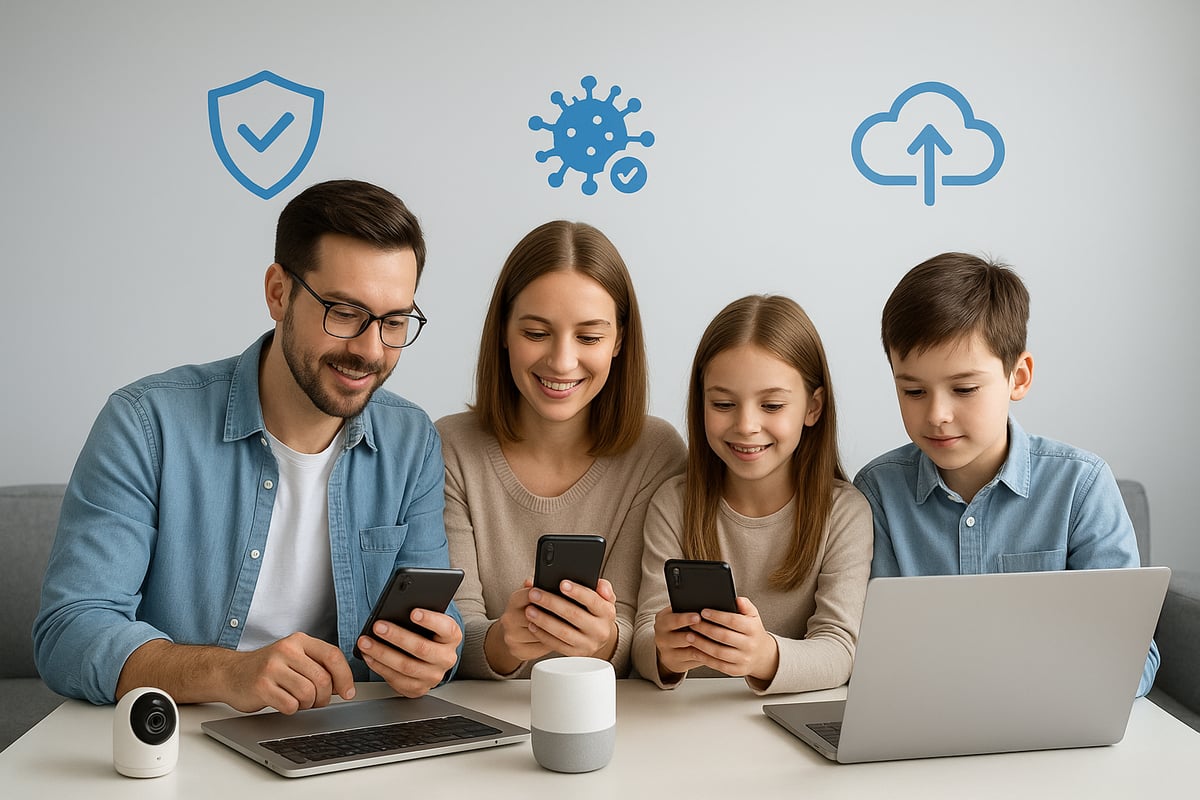
Digital hygiene means adopting daily practices that protect your devices, data, and identity from cyber threats. As technology evolves, so do the tactics of cybercriminals. Threats like malware, ransomware, and phishing are now more sophisticated, often powered by artificial intelligence. According to Norton, 22% of users have detected malicious software on their devices, underscoring how widespread these dangers have become.
Ignoring digital hygiene can lead to serious consequences. Data loss, identity theft, and financial harm are just a few of the risks. Cyberattacks now target not just individuals but entire families—smart home devices, children’s tablets, and even connected appliances can be entry points.
In fact, the rise of automated, AI-powered attacks has made it even more urgent to stay secure. Automated scans can target vulnerabilities at lightning speed, as outlined in this AI-driven surge in cyberthreats report. This means good digital hygiene is your first line of defense.
Essential Habits for Digital Cleanliness
Building strong digital hygiene habits will help you stay secure every day. Start by updating your operating system and all software regularly. Updates patch vulnerabilities that hackers often exploit. Install a reliable antivirus and anti-malware solution on every device, and schedule periodic scans to catch threats early.
Use this checklist to maintain digital cleanliness:
- Delete unused apps and revoke permissions you no longer need.
- Back up important files to secure cloud or external storage.
- Set reminders for monthly device cleanups.
- Review app permissions, especially for camera, microphone, and location access.
Consider this example: A small business owner ignored software updates for months. Hackers exploited an old vulnerability, accessed customer data, and caused a data breach that cost thousands. Keeping devices updated is crucial to stay secure and avoid similar disasters.
Digital hygiene is not a one-time task. Make it a habit, and you will reduce your risk significantly.
Safe Browsing and Downloading Practices
Safe browsing is a pillar of digital hygiene. To stay secure, always check the credibility of websites before entering personal information. Avoid downloading files from unknown sources, and use browser security features like privacy extensions to block trackers and malicious ads.
Here are a few ways to boost your online safety:
- Never use public Wi-Fi for banking or sensitive transactions.
- Enable HTTPS-only mode in your browser settings.
- Hover over links to see the real URL before clicking.
A real-world case highlights the risk: An employee received an email linking to a fake website disguised as a login page. Trusting the site, they entered their credentials, which were immediately stolen. This phishing attack could have been prevented with careful browsing habits.
By integrating these practices into your daily routine, you strengthen your ability to stay secure in a rapidly changing digital landscape.
Social Media Security: Protecting Your Online Persona
In 2026, social media platforms are more than just places to connect—they are digital extensions of our identities. To stay secure, it is vital to protect your online persona against account breaches, impersonators, and scams. With the rise in credential theft and sophisticated attacks, adopting solid social media security practices is essential for everyone seeking to stay secure in a connected world. If you want a deeper understanding of the evolving risks, review this Social Media Security Risks guide for expert insights.
Strengthening Social Media Accounts
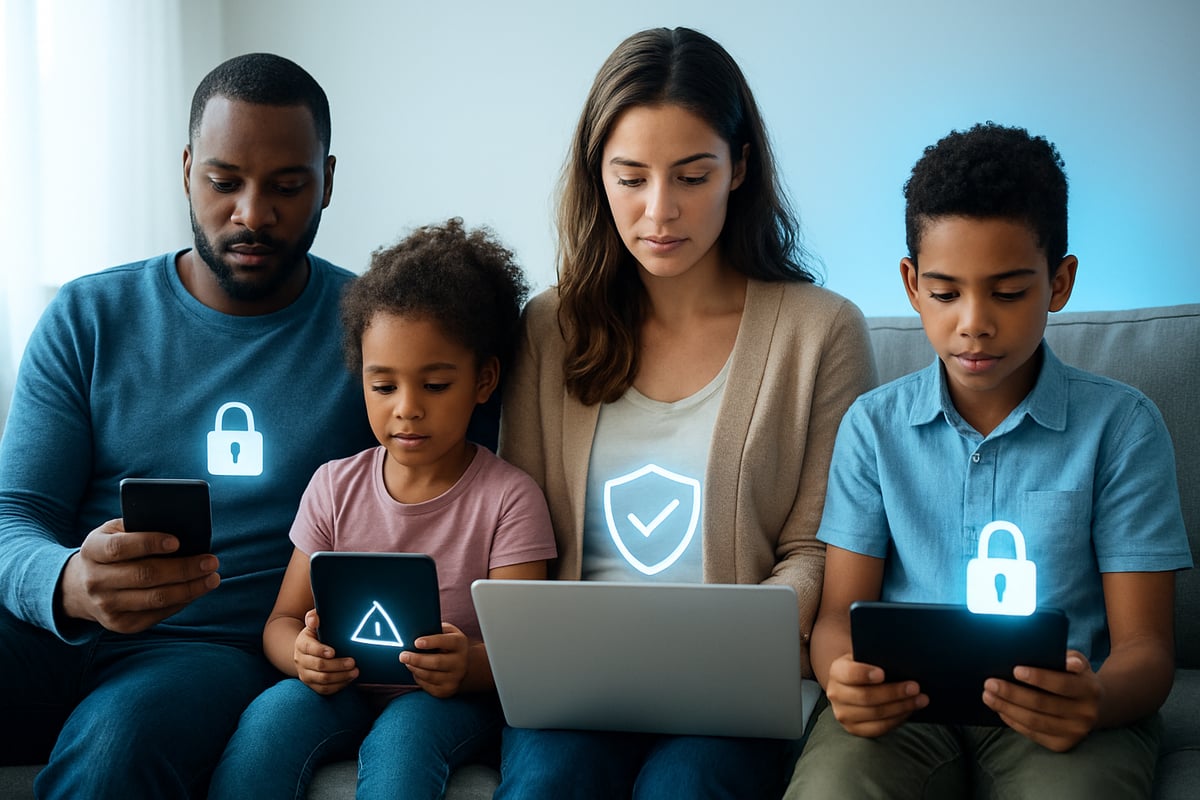
A strong social media account is your first defense against cyber threats. To stay secure, always create unique, complex passwords for each platform. Use a mix of upper and lower case letters, numbers, and special characters. Never rely on simple or reused passwords, as attackers often exploit these weaknesses.
Enable multi-factor authentication (MFA) wherever possible. MFA adds an extra verification step, making it much harder for intruders to access your accounts. If you ever log in from a shared device, remember to log out completely when finished.
Consider this scenario: someone reuses an old password across several accounts. If one account is breached, attackers can quickly access others, compromising privacy and even financial information. To stay secure, routine password updates and strong authentication are essential.
Smart Sharing and Privacy Settings
What you share online can have lasting effects. To stay secure, think before posting personal details, such as your home address or daily routines. When sharing photos, blur out sensitive information like house numbers or license plates.
Regularly review and adjust your privacy settings. Limit who can view your posts and profile details. Social media platforms frequently update their privacy controls, so revisit these settings often to stay secure.
Beware of viral trends and games that prompt you to reveal personal information, like your pet’s name or the street you grew up on. These details are often used as security question answers. There have been cases where attackers exploited viral games to collect this data, later using it to bypass account protections. To stay secure, only participate in trends that do not request sensitive details.
Recognizing and Avoiding Scams
Scammers increasingly use social media to target victims. To stay secure, only accept connection requests from people you know and trust. Treat unsolicited direct messages with caution, especially if they contain links or urgent requests.
Watch for fake accounts or impersonators. Examine profiles for odd usernames, few followers, or generic photos. Social media is now a leading channel for identity theft and scams. Attackers may pose as friends or brands to trick you into revealing information.
If you receive suspicious messages, do not click on any links. Report and block the sender. Staying alert to these warning signs helps you and your family stay secure on every platform. By remaining vigilant, you can protect your reputation and personal data from evolving threats.
Device Security: Safeguarding Phones, Laptops, and Smart Gadgets
Keeping your devices safe is critical to stay secure in 2026. Phones, laptops, and smart gadgets hold sensitive data, financial details, and family memories. With new threats targeting both hardware and software, building strong device security habits is essential.
Setting Up Strong Device Protections
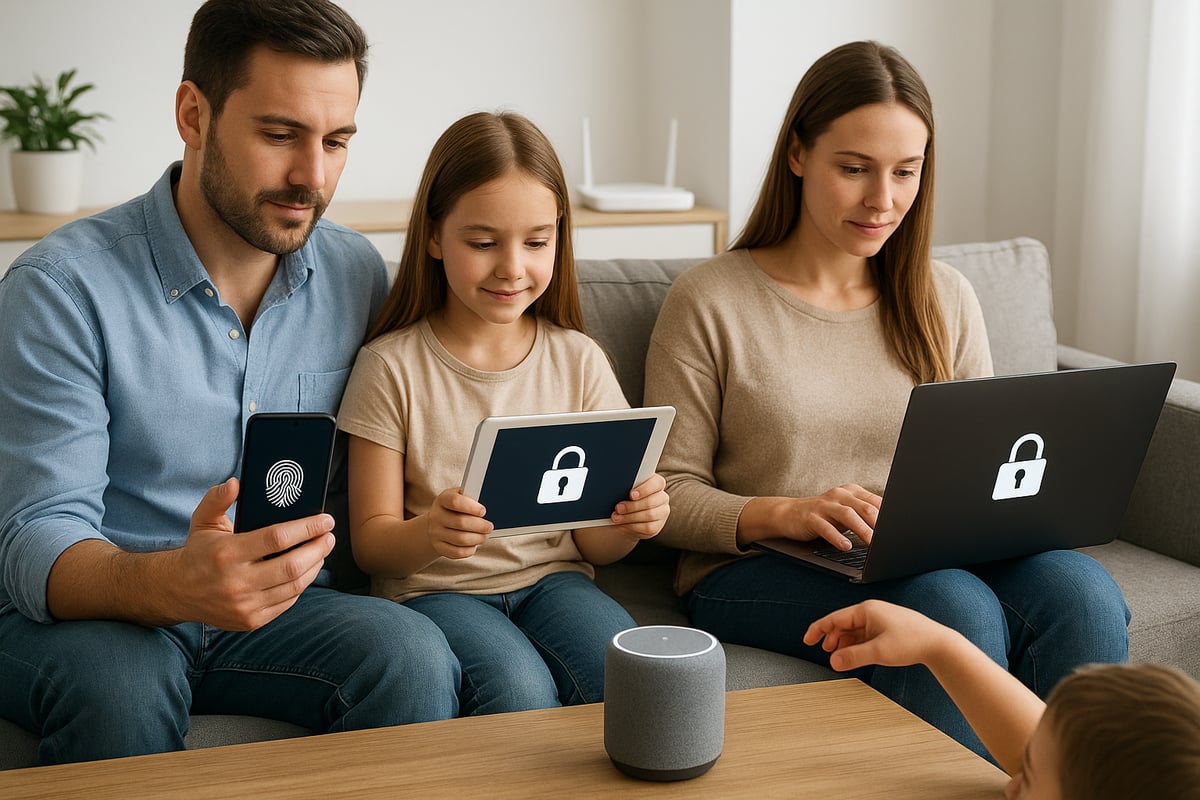
The first step to stay secure is activating robust protections on every device. Always enable passcodes, biometrics like fingerprint or facial recognition, and automatic screen locks. For sensitive applications, such as banking or health records, use app-specific security features.
Change device passcodes regularly, and avoid simple combinations like "1234" or birthdays. Consider this: a weak phone PIN once allowed an unauthorized user to access emails and social media, leading to identity theft.
For comprehensive strategies, explore the Protecting Digital Assets Guide. It provides additional insights on how to stay secure across all your devices.
Managing Device Updates and App Permissions
Frequent updates are non-negotiable if you want to stay secure. Turn on automatic updates for your operating system and all installed apps. These updates patch vulnerabilities that hackers exploit.
Review app permissions regularly, especially for location, camera, and data access. Remove any apps you no longer use, and revoke permissions that are not essential. A real-world case showed how an outdated app with excessive permissions leaked personal photos and contacts.
Use this checklist to manage app permissions:
- Go to device settings
- Review app list and permissions
- Remove or restrict unnecessary access
- Delete unused apps
Staying proactive with updates and permissions keeps your devices and personal data protected.
Safe Disposal and Recycling of Devices
Proper disposal is vital to stay secure when upgrading or recycling devices. Before parting with any gadget, perform a full factory reset to wipe all personal data. This step prevents old devices from becoming a source of identity theft.
Always use reputable recycling centers that follow strict data destruction protocols. Never just toss devices in the trash or give them away without erasing your information. Remember, erased data is much harder to recover and exploit.
Key steps for safe disposal:
- Backup important data
- Factory reset the device
- Remove SIM and memory cards
- Confirm data wipe before recycling
Protecting your digital footprint continues even after a device leaves your hands.
Defending Against Mobile Threats
Mobile threats have evolved, making it harder to stay secure. Phishing via SMS (SMShing) and malicious links are common tactics. Never click on links from unknown numbers or respond to suspicious texts.
If you receive a message that seems urgent or too good to be true, verify its source before acting. For example, malware infections have occurred after users clicked links in fake delivery notifications, compromising their devices.
Protect yourself by:
- Installing trusted security apps
- Blocking suspicious numbers
- Reporting spam texts
Keeping your guard up against mobile threats ensures your devices, and your family's information, remain safe in today's digital world.
Securing Your Home Network in 2026
In 2026, keeping your home network safe is essential if you want to stay secure. With more devices connected than ever, your router is the gateway to your digital world. Cybercriminals are quick to exploit any weakness. By following a few key steps, you can protect your family and data from growing threats.
Router and Wi-Fi Security Best Practices
Your router is the foundation of your home network. To stay secure, always change the default username and password as soon as possible. Most breaches happen because people leave factory settings unchanged. In fact, a recent credential theft surge in 2025 shows attackers often target weak or default credentials.
Update your router firmware regularly. Manufacturers release updates to fix vulnerabilities, so enabling automatic updates is wise. Disable remote management unless you have a specific need for it. This feature can create an easy entry point for hackers if left on.
Consider this example: a family suffered a home network breach simply because their router used the default password. The attackers accessed their devices, compromising sensitive information. Taking these steps helps you and your loved ones stay secure at home.
Key steps:
- Change default router credentials
- Enable firmware auto-updates
- Turn off remote management
- Place your router in a central, secure location
Advanced Network Protection Steps
Beyond the basics, advanced settings will help you stay secure as threats evolve. Use a router with a built-in firewall or install a personal firewall on your devices. This adds a strong layer of defense against unauthorized access.
Change your network’s SSID to something unique, avoiding personal details. Segment your network by creating a separate Wi-Fi for smart home (IoT) devices and another for personal devices. This way, if a smart device is compromised, your main data stays secure.
Always enable WPA3 encryption for your Wi-Fi. WPA3 is much stronger than older standards and helps shield your information from prying eyes. According to Norton, 22% of consumers have detected malware on their home networks, highlighting the importance of robust defenses.
Protection checklist:
- Unique SSID (not your name/address)
- WPA3 encryption enabled
- Network segmentation for IoT and personal devices
- Router or device-level firewall
Taking these advanced steps will help your household stay secure against even the most persistent cyber threats.
Monitoring and Maintaining Network Health
Continuous monitoring is vital if you want to stay secure. Regularly review the list of devices connected to your network. If you see an unknown device, investigate immediately. Most routers have a dashboard where you can check this information.
Schedule periodic security audits. This means reviewing your settings, updating passwords, and checking for any suspicious activity. In one real-world case, a homeowner discovered an unfamiliar device on their Wi-Fi. Quick action prevented a potential data breach.
Stay proactive by keeping a checklist:
- Review connected devices weekly
- Change your Wi-Fi password every few months
- Audit your network settings twice a year
By making monitoring a routine, you ensure your home network remains a safe space for your family’s digital life.
Passwords and Authentication: Your First Line of Defense
In the digital age, passwords and authentication stand as your first line of defense. To truly stay secure, you must adopt modern strategies that address today’s threats. Weak or reused passwords are a leading cause of account breaches, and attackers are growing more sophisticated every year. By following proven best practices, you can protect yourself and your family from identity theft, financial loss, and privacy violations.
Creating and Managing Strong Passwords
Strong passwords are the backbone of your digital security. Always use long, complex passphrases that combine letters, numbers, and symbols. Avoid reusing passwords across accounts, as a single breach can put multiple services at risk. If you suspect an account has been compromised, change your password immediately.
Best practices for password creation include:
- Use passphrases with at least 12 characters
- Mix upper and lower case letters, numbers, and special symbols
- Never use personal information like birthdays or names
- Regularly update important account passwords
Leveraging Password Managers
With dozens of accounts to remember, a secure password manager is essential. These tools generate, store, and autofill unique passwords for each site, reducing the temptation to reuse credentials. A reputable manager uses end-to-end encryption, ensuring only you can access your stored information.
When selecting a password manager, consider:
- Strong encryption standards
- Multi-device synchronization
- Regular security audits and transparent privacy policies
By using a password manager, you streamline your login process and stay secure across all platforms. Make sure to set a strong master password and enable additional security features offered by your chosen app.
Multi-Factor Authentication (MFA)
Multi-factor authentication (MFA) adds a critical layer to your security. Even if a password is compromised, MFA requires a second verification step, such as a code sent to your phone or generated by an app. Common MFA types include:
- SMS codes sent to your mobile device
- Authenticator apps like Google Authenticator or Authy
- Hardware tokens for advanced protection
Enabling MFA wherever possible is one of the most effective ways to stay secure. There are numerous cases where attempted breaches failed because attackers could not bypass MFA. Protect every sensitive account with this essential safeguard.
Checking for Compromised Credentials
Regularly monitor your accounts for signs of compromise. Tools like haveibeenpwned.com allow you to check if your email or passwords have appeared in known data breaches. If your credentials are found, take immediate action.
Steps to follow if your credentials are compromised:
- Change affected passwords right away
- Enable MFA on all accounts
- Review account activity for unauthorized actions
- Notify relevant service providers if you notice suspicious access
Vigilant monitoring helps you stay secure and respond quickly to emerging threats. Make credential checks part of your ongoing digital hygiene routine.
Recognizing and Preventing Scams: Phishing, Vishing, and Beyond
As digital threats accelerate in 2026, recognizing and preventing scams has become vital for anyone who wants to stay secure. With an ever-expanding array of scams, from classic phishing emails to sophisticated vishing calls, attackers are more creative than ever. In fact, the global response has been significant, exemplified by the EU's $1.4 billion cybersecurity investment, which highlights just how crucial it is to stay secure in a connected world.
Understanding Modern Scams
Scams have evolved into highly targeted attacks aiming to trick individuals into revealing sensitive information or transferring funds. To stay secure, it's important to understand the main types:
|
Scam Type |
Channel |
Description |
|---|---|---|
|
Phishing |
|
Fraudulent emails seeking personal/financial info |
|
SMShing |
SMS |
Text messages with malicious links or requests |
|
Vishing |
Voice |
Phone calls impersonating trusted entities |
Attackers often exploit urgency, fear, or the lure of fake prizes. For example, you might receive an email saying your account will be locked unless you act immediately. Impersonation is also common, with scammers posing as banks, tech support, or even loved ones.
Phishing remains a leading cause of personal data breaches, affecting millions annually. If you want to stay secure, always assume unexpected requests for information are suspicious.
Spotting Red Flags and Staying Vigilant
Staying alert is your best defense. Here are key red flags and proactive steps to help you stay secure:
- Hover over links to preview the actual URL before clicking.
- Analyze messages for poor grammar, odd phrasing, or urgent demands.
- Never provide personal information via unsolicited emails, texts, or calls.
- Be wary of caller ID spoofing, which makes calls appear legitimate.
A real-world example: a scammer used a spoofed bank number to call a victim, urgently requesting account details to "prevent fraud." The individual, recognizing the pressure tactic and odd phrasing, refused to share information, successfully avoiding the scam.
By staying vigilant, you reduce your risk and help others around you stay secure as well.
Verifying Requests and Reporting Scams
If you receive a suspicious request, take these steps to stay secure:
- Independently verify the contact by calling the company or person directly using official contact details.
- Research recent scams online to see if others have reported similar attempts.
- Report scams to the appropriate authorities, such as your country's cybercrime agency or the platform involved.
In one case, a family received a message claiming to be from their insurance provider urging immediate payment. By calling the official number, they discovered it was a scam, preventing financial loss.
To stay secure, make verifying and reporting routine habits. The more you practice these steps, the more resilient you become against evolving digital threats.
Emergency Planning and Secure Document Storage
Preparing for emergencies is essential if you want to stay secure in today’s unpredictable world. Without a plan, even minor disruptions can turn into major crises for families. A strong emergency strategy keeps you organized, protected, and ready to respond, no matter what comes your way.
Organizing Critical Information for Emergencies
Having quick access to vital records helps you stay secure during unexpected events. Gather and organize these key documents:
- Personal IDs (passports, driver’s licenses)
- Insurance policies
- Estate plans and wills
- Medical directives and allergy lists
- Passwords and account access instructions
When emergencies strike, missing paperwork can delay vital decisions or care. For example, families have faced stressful delays in hospital admissions because medical directives were not accessible. Keeping everything up to date and easy to find is crucial. For more on why this matters, review the Importance of Emergency Preparedness.
Secure Digital Storage Solutions
Digital vaults are a modern solution for families who want to stay secure and organized. Storing sensitive documents in an encrypted vault protects your privacy and allows fast access when you need it most.
Benefits of secure digital storage:
- Encryption shields your data from unauthorized users
- Access controls let you decide who sees what and when
- Quick retrieval, even if you’re away from home
Choosing a provider? Look for:
- Strong encryption standards
- Multi-factor authentication
- Automated document delivery features
Below is a quick comparison:
|
Storage Type |
Security Level |
Accessibility |
Risk of Loss |
|---|---|---|---|
|
Physical Safe |
Moderate |
Low |
High |
|
Digital Vault |
High |
High |
Low |
Staying secure means choosing the best option for your needs.
IronClad Family: Secure Digital Vaults for Families
IronClad Family offers a digital vault designed to help families stay secure and prepared. Their patented zero-knowledge encryption ensures only you and trusted recipients can access stored documents. Features like conditional document delivery and daily security scans add extra layers of protection.
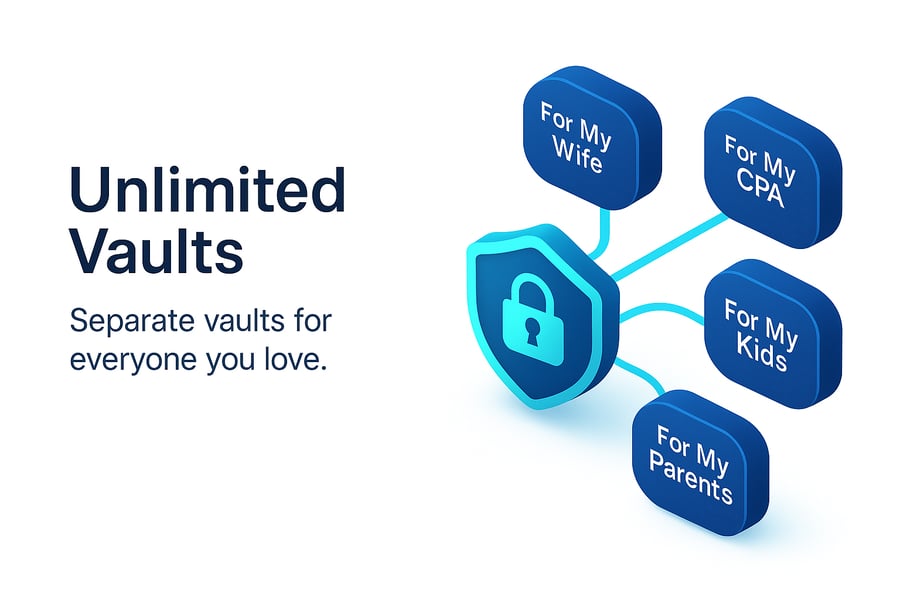
During a real-life emergency, one family used IronClad Family’s automated delivery to send medical directives instantly to hospital staff, saving precious time. With tools tailored for emergency planning, families can organize, protect, and share critical information safely.
Best Practices for Emergency Readiness
To stay secure in 2026, make emergency planning a routine part of family life. Follow these best practices:
- Regularly review and update stored documents
- Set clear access rules for trusted contacts
- Use both digital and physical backups for redundancy
- Test your plan with family drills
By combining digital solutions with traditional organization, you can stay secure, protect your loved ones, and respond confidently to any crisis.
As you’ve seen throughout this guide, staying secure in 2026 means being proactive—whether it’s keeping your passwords strong, locking down your devices, or ensuring your most important documents are always safe and available. If you want peace of mind knowing your family’s digital records and emergency plans are protected with the latest security, why not take the next step? With IronClad Family’s secure digital vault, you can organize, safeguard, and control access to everything that matters—no tech expertise required.
Try it out risk free and discover how easy digital safety can be: Start 14-Day Free Trial

