
In 2026, cyber threats have reached historic highs, with data breaches impacting millions each year. How you approach password saving now plays a pivotal role in protecting your most sensitive information.
This guide offers a clear, step-by-step roadmap to password saving, blending cutting-edge security with everyday convenience. You will discover why password security is more critical than ever, practical ways to keep your credentials safe, and the tools you need to outpace new digital risks.
Ready to secure your data and take control of your digital life? Let’s get started.
The Rising Importance of Password Security in 2026
As we move into 2026, the urgency around password saving has never been higher. Cybercriminals are not just targeting corporations but increasingly focusing on individuals and families. Recent years saw a 35% spike in global data breaches, with attackers leveraging advanced AI-driven phishing and password-cracking tools. Notably, incidents like the 2025 healthcare system breach and multiple financial institution attacks highlight how no one is immune. The landscape of threats now extends beyond simple brute-force attacks, with cybercriminals using automation and machine learning to exploit weak password saving practices.
The Evolving Cyber Threat Landscape
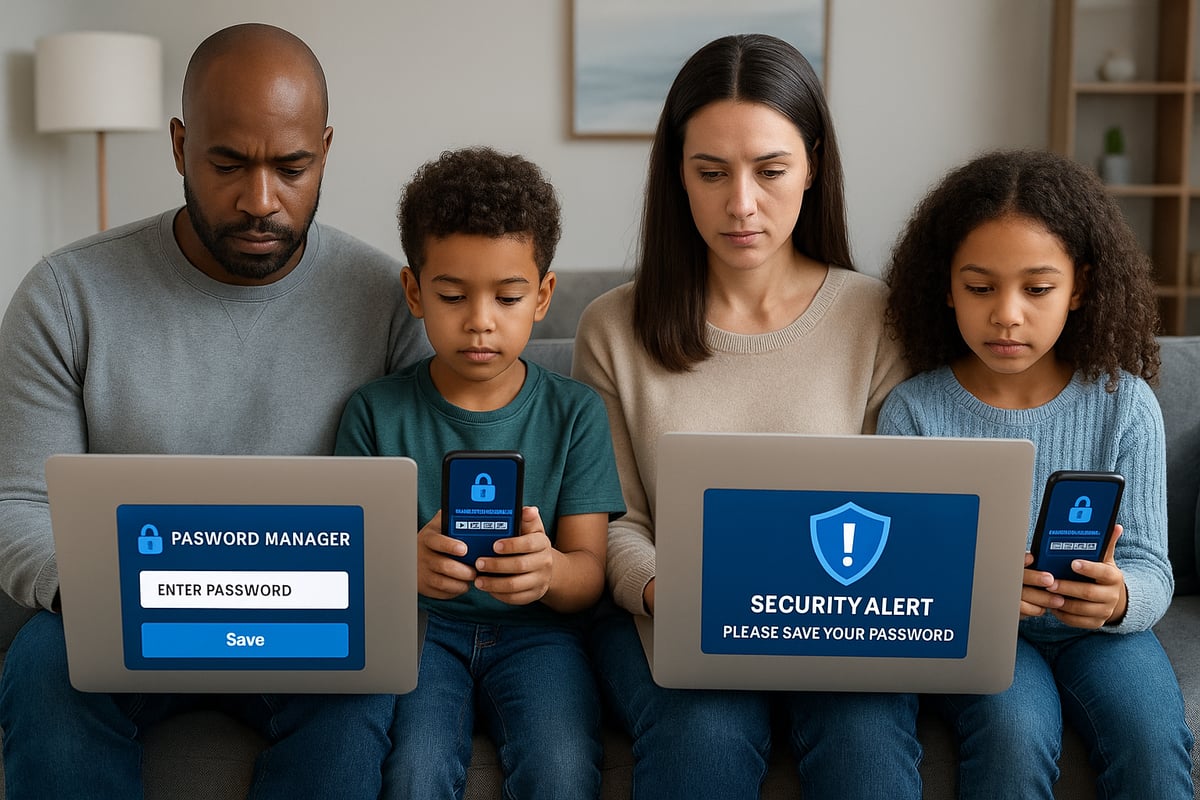
The sophistication of cyber threats continues to grow. In 2025 alone, data breaches surged by 35%, impacting millions of individuals. Attackers now use artificial intelligence to automate phishing campaigns and crack passwords at unprecedented speeds. This evolution means that traditional password saving methods are no longer sufficient. High-profile hacks have led to massive data leaks, resulting in the exposure of personal information on a global scale. Even smart home devices are now common targets, making password saving a critical defense for households as well as businesses.
Consequences of Poor Password Habits
Negligent password saving can have dire consequences. The average financial loss per personal breach now exceeds $1,000. Victims of weak password saving often face identity theft, which can take years to resolve and may permanently impact credit and reputation. Emotional distress and the loss of trust are common, especially when private accounts or family data are compromised. Ignoring password saving best practices exposes individuals to repeated attacks, as stolen credentials are frequently sold and reused in future breaches.
|
Consequence |
Impact |
|---|---|
|
Financial Loss |
$1,000+ per breach |
|
Identity Theft |
Long-term credit issues |
|
Emotional Fallout |
Stress, anxiety |
|
Reputational Harm |
Loss of trust, exposure |
Why Passwords Remain a Critical Security Layer
Despite the rise of biometrics and multi-factor authentication, password saving is still your primary line of defense. In 2025, 62% of breaches involved weak or reused passwords, underlining the ongoing importance of password saving. Passwords serve as the gateway to your digital identity, finances, and sensitive data. Even with additional security layers, attackers often exploit poor password saving habits. Reviewing 2025's most commonly used passwords reveals that predictable choices continue to put users at risk. Staying vigilant about password saving remains essential.
Regulatory and Privacy Changes in 2026
New privacy laws are reshaping how we approach password saving. Updates to the GDPR and the introduction of the US Data Privacy Act have increased accountability for individuals. These regulations demand that personal data, including passwords, is stored and managed securely. Non-compliance can result in financial penalties and legal consequences. The evolving legal landscape means that everyone must be more proactive about password saving, not only to protect themselves but also to meet new standards set by global authorities.
Real-World Examples
The real impact of failing at password saving is best shown through personal stories. One family faced a devastating financial loss after a child’s gaming account was compromised, leading to further breaches across shared services. Another individual experienced identity theft when a reused password was stolen, resulting in months of recovery efforts. Cybersecurity experts warn that password saving must adapt to the growing sophistication of attacks, advocating for stronger, unique passwords for each account. These examples underscore why robust password saving is not optional in 2026.
Best Practices for Password Saving: What Works in 2026
As cyber threats grow more sophisticated, effective password saving is a cornerstone of digital safety in 2026. Following best practices not only shields your accounts, but also ensures your sensitive information remains private. By adopting the right habits and tools, you can minimize risk and enjoy peace of mind.
Characteristics of a Strong Password
The foundation of secure password saving lies in creating robust passwords. In 2026, following the latest NIST guidelines is crucial. Strong passwords should be at least 12 characters long, mixing uppercase and lowercase letters, numbers, and symbols. Avoid common words, personal information, or predictable patterns.
For example, a weak password like john1234 is easily cracked. Instead, use a passphrase or a random string, such as:
Tr33$Candle!Ox7p
This approach to password saving dramatically reduces vulnerability, making brute-force attacks far less likely.
The Dangers of Password Reuse and Sharing
Password saving is only effective if each account has a unique password. Reusing passwords across multiple sites means a single breach can compromise all your accounts. In 2026, data shows that 80 percent of breaches are linked to reused credentials.
Sharing passwords, even with trusted individuals, increases risk. Family or work accounts should always have separate logins. By prioritizing individual credentials, you limit the fallout of any single compromised password saving incident.
Secure Storage Methods: What’s Safe and What’s Not
Not all password saving methods are created equal. Storing passwords in browsers is risky, as recent vulnerabilities have exposed millions of credentials. Writing passwords on paper or in spreadsheets offers little security.
A smart approach is to use encrypted digital vaults, which add layers of protection and support features like two-factor authentication. The table below summarizes the pros and cons:
|
Method |
Security Level |
Pros |
Cons |
|---|---|---|---|
|
Browser Saving |
Low |
Convenient |
Vulnerable to attacks |
|
Paper/Notes |
Very Low |
Offline |
Easily lost/stolen |
|
Spreadsheets |
Low |
Organized |
Unencrypted |
|
Encrypted Vault |
High |
Secure, feature-rich |
Requires setup |
For more detailed password protection best practices, consult expert resources to ensure your approach remains current.
Creating a Password Management Routine
Password saving is not a one-time task, but an ongoing process. Schedule regular password changes every 3-6 months, and use password checkup tools to spot compromised credentials. Make secure backups, both online and offline, to avoid losing access.
A routine approach to password saving keeps your digital life resilient against emerging threats. Adopting a reliable password manager can streamline this process, making it easier to maintain strong, unique credentials for every account.
Password Hygiene for Families and Shared Accounts
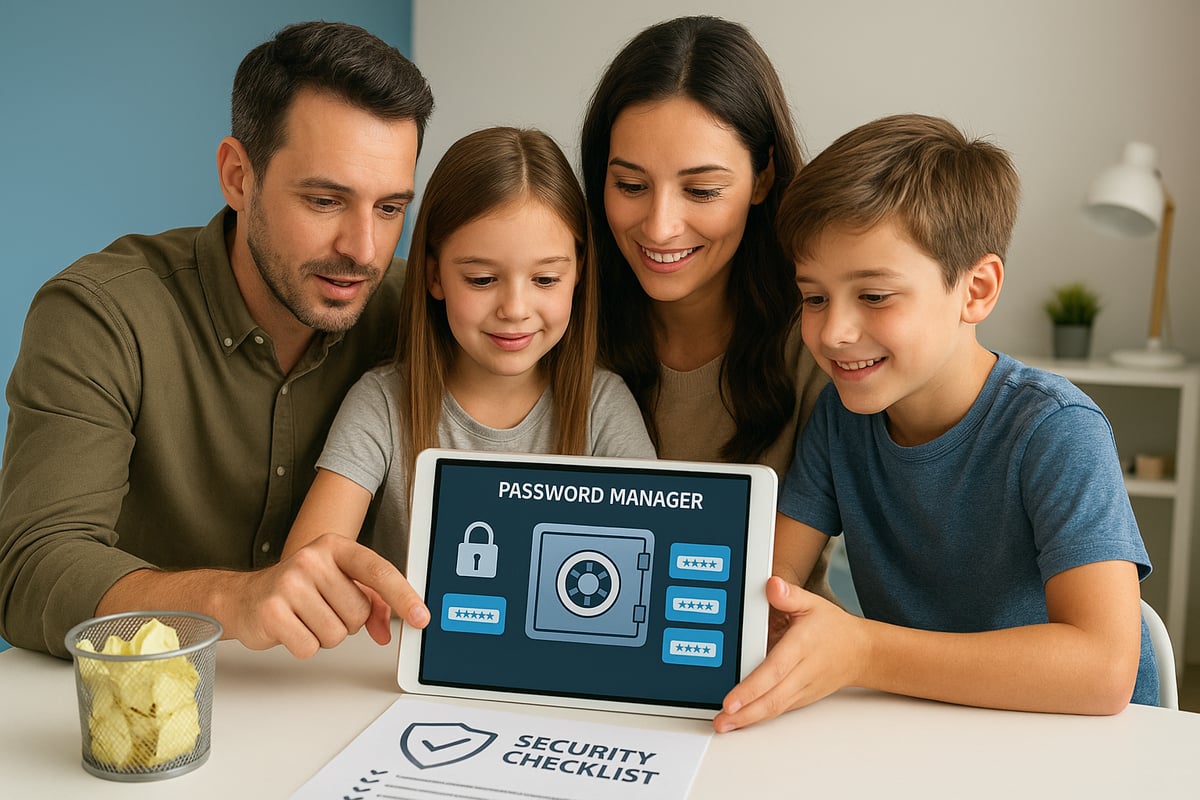
Effective password saving extends to every member of your household. Set up individual logins for family members, including children and seniors. Invest time in educating everyone about phishing attempts and the importance of strong credentials.
For shared accounts, update passwords regularly. A recent example involved a family that avoided a breach by updating their streaming service password after receiving a suspicious email. This underscores the value of proactive password saving for group security.
Common Mistakes to Avoid
Many users undermine their password saving strategy through simple errors. Avoid these common pitfalls:
- Writing passwords on sticky notes or in unsecured apps
- Falling for phishing scams disguised as password resets
- Over-relying on browser autofill features
By steering clear of these mistakes, your password saving habits will remain strong and your digital assets better protected.
Step-by-Step Guide: How to Save Passwords Securely in 2026
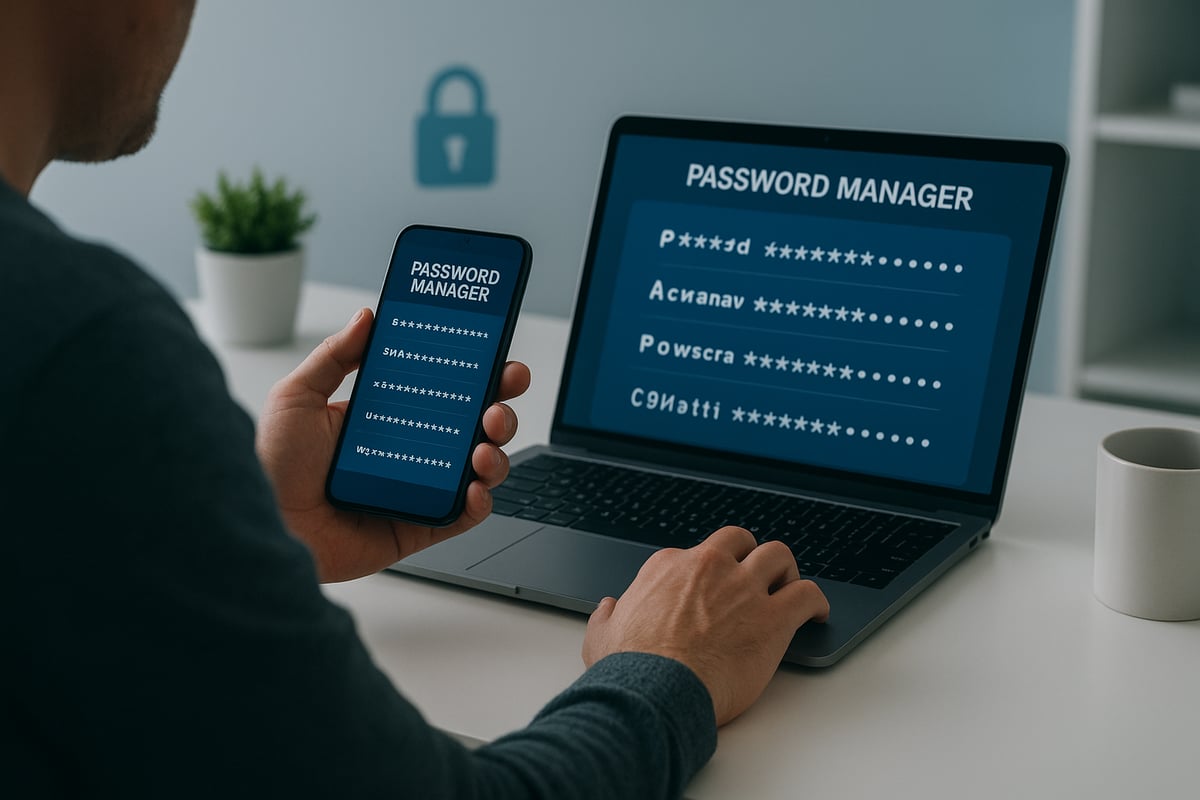
Protecting your digital world starts with a solid password saving process. In 2026, threats are more sophisticated, but you can stay ahead with a methodical approach. Follow these seven steps to ensure your credentials are both safe and accessible.
Step 1: Audit and Clean Up Existing Passwords
Begin your password saving journey by auditing your current credentials. Use trusted password audit tools to scan for weak, duplicate, or outdated passwords. Many password managers offer built-in features that rate password strength and flag risky logins.
Delete old accounts you no longer use. Removing unnecessary accounts reduces your exposure to breaches. For example, one user cut their risk by 60 percent after a full password audit.
Make this a routine. Regular reviews of your password saving habits set the foundation for stronger digital security.
Step 2: Create Unique, Complex Passwords for Every Account
The core of password saving is uniqueness and complexity. Generate a different password for every account you own. Use a mix of uppercase and lowercase letters, numbers, and special characters.
Consider using passphrases—a string of unrelated words plus symbols—for extra strength. For instance, Coffee!Bridge7Mango? is much safer than a single-word password.
Manually creating and remembering dozens of unique passwords is nearly impossible. Leverage password saving tools to generate and store complex credentials efficiently.
Step 3: Choose the Right Password Manager
A secure password manager is essential for effective password saving. Look for managers that offer end-to-end encryption, zero-knowledge architecture, and cross-device synchronization. Check for independent security audits and support for multi-factor authentication.
Here’s a quick comparison of leading password managers in 2026:
|
Manager |
Encryption |
Cross-Device |
Open Source |
Price Range |
|---|---|---|---|---|
|
Dashlane |
Yes |
Yes |
No |
$$ |
|
Bitwarden |
Yes |
Yes |
Yes |
$ |
|
1Password |
Yes |
Yes |
No |
$$ |
Consider why you need a digital vault for secure storage and management of both passwords and sensitive documents. Read more about this in Why you need a digital vault.
Step 4: Set Up and Configure Your Password Manager
After choosing a password manager, start by importing existing passwords. Use the manager’s import feature for a seamless transition. Enable biometric access or multi-factor authentication for your vault.
Organize your credentials by category: finance, social, work, and family. This structure makes password saving efficient and simplifies future updates.
Review the password manager’s settings to ensure backups and breach alerts are active. A well-configured tool is your frontline defense.
Step 5: Activate Additional Security Layers
Enhance your password saving strategy by enabling two-factor or multi-factor authentication on all important accounts. Many services now support hardware security keys for an extra layer of protection.
Set up account recovery options like backup codes or trusted contacts. This ensures you can regain access if you ever lose your primary credentials.
Layered security is critical. It reduces the impact of any single breach and strengthens your overall password saving approach.
Step 6: Regularly Update and Monitor Passwords
Password saving is not a one-time task. Set reminders to review and update your passwords every quarter. Use your password manager’s checkup tools to identify compromised or outdated credentials.
Enable breach alerts and monitor whether your passwords appear on the dark web. Proactive monitoring helped one user avoid a major compromise before any damage occurred.
Staying vigilant ensures your password saving system keeps pace with evolving threats.
Step 7: Securely Share Passwords When Necessary
Sometimes, you must share credentials with family or colleagues. Use your password manager’s secure sharing feature instead of email or messaging apps.
Set access controls, such as expiration dates or permissions, to limit risk. Always review who has access and update shared credentials regularly.
Safe password saving includes responsible sharing practices. It protects not only you but everyone connected to your digital life.
The Role of Advanced Tools and Technologies in Password Management
As digital threats evolve, advanced tools and technologies are reshaping how password saving is approached in 2026. From next-gen password managers to AI-driven security, understanding these solutions is crucial for maintaining a strong defense.
Password Managers: Current Leaders and Innovations
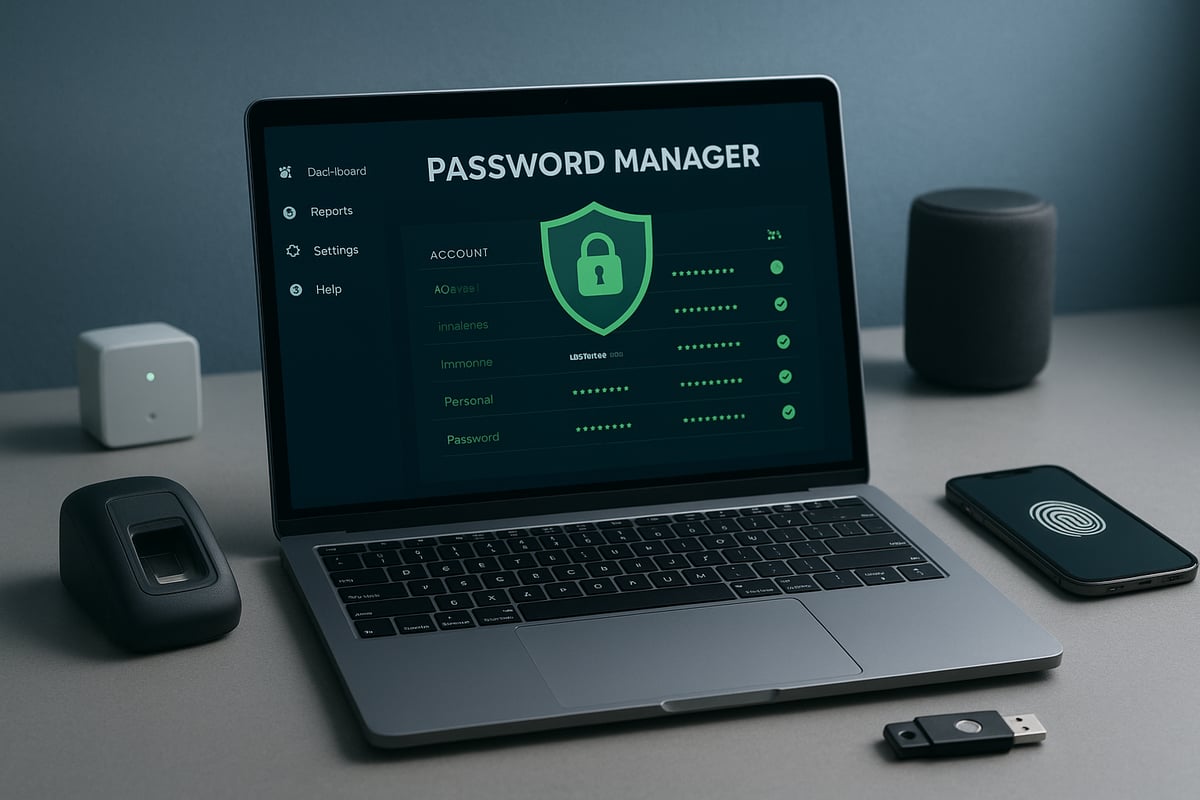
Password managers remain the cornerstone of secure password saving. In 2026, leaders like Dashlane, Bitwarden, and 1Password offer advanced features that go beyond basic storage. These tools now support passwordless logins, AI-generated passwords, and daily security scans.
Consider the table below for a quick comparison of top options:
|
Password Manager |
Key Features |
Security Certifications |
|---|---|---|
|
Dashlane |
Passwordless login, dark web scan |
SOC 2, ISO 27001 |
|
Bitwarden |
Open source, cross-platform sync |
SOC 2, GDPR compliant |
|
1Password |
Watchtower alerts, family sharing |
SOC 2, PCI DSS |
Modern password saving tools emphasize end-to-end encryption and zero-knowledge architecture, ensuring your credentials are protected even if a breach occurs. Innovations like secure sharing and breach monitoring help users stay ahead of threats.
Biometric Authentication and Passwordless Solutions
Biometric authentication is transforming password saving by adding a powerful layer of security. Fingerprint, facial, and voice recognition are now standard features in most password managers.
Nearly 45% of users access their vaults using biometrics, appreciating both convenience and enhanced protection. However, while biometrics simplify password saving, they also raise privacy questions. Consider whether your devices store biometric data locally or in the cloud.
Passwordless solutions, such as passkeys, are gaining traction. These methods reduce reliance on traditional credentials, making password saving less susceptible to phishing or brute-force attacks. Still, passwords remain a necessary backup for many platforms.
AI and Machine Learning in Password Security
Artificial intelligence is revolutionizing password saving by detecting suspicious activity and automating security checks. AI-powered password managers can now generate complex passwords, monitor for breaches, and even spot phishing attempts in real time.
Machine learning algorithms analyze login patterns, flagging anomalies before they become breaches. For those interested in the science behind these advancements, recent adversarial machine learning in password strength estimation research highlights how AI is boosting the effectiveness of password saving tools.
With AI's involvement, password saving practices are more proactive, offering users real-time alerts and smarter suggestions for keeping their credentials safe.
Cloud-Based vs. Local Storage Solutions
Choosing between cloud-based and local storage is an essential part of password saving in 2026. Cloud-based managers offer convenience, allowing access across multiple devices and platforms. They often include features like breach alerts, encrypted backups, and seamless syncing.
Local storage options, such as encrypted USB drives or offline vaults, appeal to those who prioritize control and privacy. However, they require users to manage backups and updates manually, which can complicate password saving routines.
A growing trend is the adoption of hybrid models. These combine the accessibility of the cloud with the security of local backups, giving users flexibility and peace of mind.
Integrating Password Management with Digital Life
Password saving is no longer just about individual accounts. In 2026, integration extends to IoT devices, smart homes, and shared family or team environments. Leading password managers sync seamlessly across devices, ensuring that credentials for everything from banking to smart thermostats are protected.
Families benefit from shared vaults, customizable access permissions, and emergency access features. Businesses use team solutions to streamline password saving for staff, reducing human error and improving compliance.
With password saving now woven into every aspect of digital life, staying current with tools and best practices is essential for robust security.
Protecting Family and Critical Data: Beyond Passwords
Protecting your digital life in 2026 means thinking beyond just password saving. While strong credentials are essential, a holistic approach is now vital for families and individuals. Cyber threats are evolving, targeting not only accounts but also sensitive documents and personal records. If you only focus on password saving, you risk leaving other areas of your digital life exposed.
The Need for Holistic Digital Protection
Digital security now requires more than password saving. Important files, financial records, wills, and medical documents can be just as vulnerable as your online accounts. Hackers are increasingly targeting these assets, causing lasting harm if they fall into the wrong hands.
A comprehensive digital protection plan covers all aspects of your online presence. By combining password saving with secure document storage, you create multiple barriers against attackers. For more strategies, see Protect your digital life.
Organizing and Safeguarding Important Information
Proper organization is crucial for effective password saving and digital security. Storing critical documents in secure digital vaults prevents accidental loss and unauthorized access.
Best practices include:
- Using encrypted vaults with customizable access rules
- Keeping digital copies of insurance, medical, and legal records
- Regularly updating and auditing stored information
This approach makes it easier to retrieve what you need and ensures only trusted parties can access sensitive data.
Emergency Planning and Digital Legacy Preparation
Password saving alone is not enough when emergencies arise. Families should establish clear plans for digital access in case of illness, disaster, or death. Setting up instructions and triggers for trusted individuals guarantees that essential accounts and records remain accessible.
Automated tools can deliver documents under specific conditions, reducing stress during emergencies. Statistics show that 70% of families lack a digital emergency plan, highlighting the urgent need for proactive preparation.
The Role of Secure Digital Vaults
Secure digital vaults are the backbone of modern password saving and critical data protection. Look for features like zero-knowledge encryption, access logs, and emergency delivery options.
These vaults complement password saving by providing a single, organized space for both credentials and essential documents. Families, individuals, and professionals benefit from enhanced peace of mind, knowing their digital assets are safe and accessible when needed.
Preparing for the Future: Password Security Trends and Threats
Modern password saving is entering a new era, and the landscape is evolving rapidly. As we look toward the future, understanding these shifts is essential for anyone determined to protect their digital life.
The Decline of Traditional Passwords
Traditional password saving is undergoing a major transformation. Industry leaders are moving toward passwordless authentication methods, such as FIDO2 and passkeys. In fact, by 2027, experts predict that half of major platforms will support passwordless logins, making cumbersome password routines less central to security.
Microsoft, for example, has made significant strides with its transition to passkeys, offering a glimpse into a future where users authenticate with biometrics or device-based credentials rather than memorizing strings of characters. For more on this shift, visit Microsoft's transition to passkeys.
However, password saving still matters in this hybrid environment. Many legacy systems and smaller services will continue to rely on passwords, so maintaining strong habits remains crucial as we move toward more seamless authentication experiences.
Emerging Threats in 2026 and Beyond
The threat landscape for password saving is more sophisticated than ever. AI-driven social engineering, deepfake phishing, and quantum computing are rapidly changing the rules. In 2026, nearly a third of cyberattacks leveraged AI-generated phishing, making it harder for users to distinguish between legitimate and malicious communications.
Credential-stealing malware, such as infostealers, continues to evolve, automating the theft of stored passwords and personal data. To understand the impact of these threats, see Infostealer malware's impact on credential security.
Staying ahead means updating password saving routines and embracing new security technologies that can counter these advanced tactics.
The Growing Importance of Digital Hygiene
Digital hygiene is now a core component of password saving. As threats become more complex, continuous education is vital for all age groups. Cybersecurity training in schools and workplaces is proving effective, with companies reporting a 40% drop in breaches after implementing regular awareness programs.
Key habits include:
- Regularly auditing password saving practices
- Using unique, strong credentials for every account
- Monitoring for suspicious account activity
Building these routines ensures that password saving becomes second nature, greatly reducing the risk of compromise.
Legal and Ethical Considerations
In 2026, new regulations are shaping the way personal data and password saving are managed. Laws such as updated GDPR provisions and the US Data Privacy Act place greater responsibility on individuals and organizations to protect sensitive information.
Ethical considerations are equally important. The use of biometric data and behavioral analytics in password saving introduces privacy concerns. Transparent policies and informed consent are required to maintain trust.
For families, businesses, and advisors, staying informed on legal changes is essential. Adapting password saving strategies to comply with these regulations ensures both compliance and robust protection.
Building a Resilient Digital Security Mindset
Adopting a proactive mindset is the final pillar of effective password saving. Regular audits, timely updates, and incident response plans are essential steps.
Encourage open conversations about password saving within your family or organization. Share resources, discuss recent threats, and review best practices together.
By fostering a culture of vigilance and continuous improvement, you create a resilient defense against current and future cyber risks. Remember, password saving is no longer just a technical task—it is a vital part of your ongoing digital well-being.
As you’ve seen throughout this guide, securing your passwords is only the first step toward true digital peace of mind. With threats evolving every year, the smartest move is to combine strong password habits with a trusted digital vault that protects your most sensitive documents and family plans. I encourage you to experience how IronClad Family’s secure platform can simplify and strengthen your digital life.
Take the next step in safeguarding your information for yourself and your loved ones—explore all the features and protections available when you Start 14-Day Free Trial.